"When Machines Misbehave: A Troubleshooter’s Guide to Manufacturing Automation"
“If you want to be good at something then you must do it”
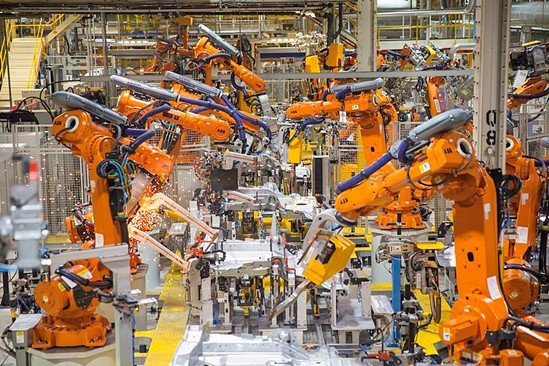
I heard a saying one time, and I use it all the time today “If you want to be good at pullups then you have to do pullups.” Sure, you will struggle and not be very good at it initially but eventually with enough practice you will get better. If you want to be a good troubleshooter, then you must troubleshoot. Spending most of my career in the Weld department for an automotive manufacturer, I had my fair share of opportunities to troubleshoot complex equipment daily. In that time, I did a lot of things right and got the equipment up and running efficiently, but I also had my fair share of failures that either extended the downtime or caused a new form of downtime.
Give them what they ask for
Too many times, a young or inexperienced technician will dive into a problem without really understanding what the problem is. Turning an analytical exercise into shot gunning and hoping they stumble into the problem. Maybe they get lucky, but more times than not they will go down the wrong path and even worse cause a second problem that will need to be resolved before auto operation can be resumed.
Here is an example that came up in an Omron PLC training class I was conducting last week. Let’s say an operator tells the maintenance technician that they can’t get Auto Run Ok on a piece of equipment. When I posed this question in class, I got a variety of answers on where to start to look for the problem. None of which was the best or surest route to find the problem.
Then the light came on
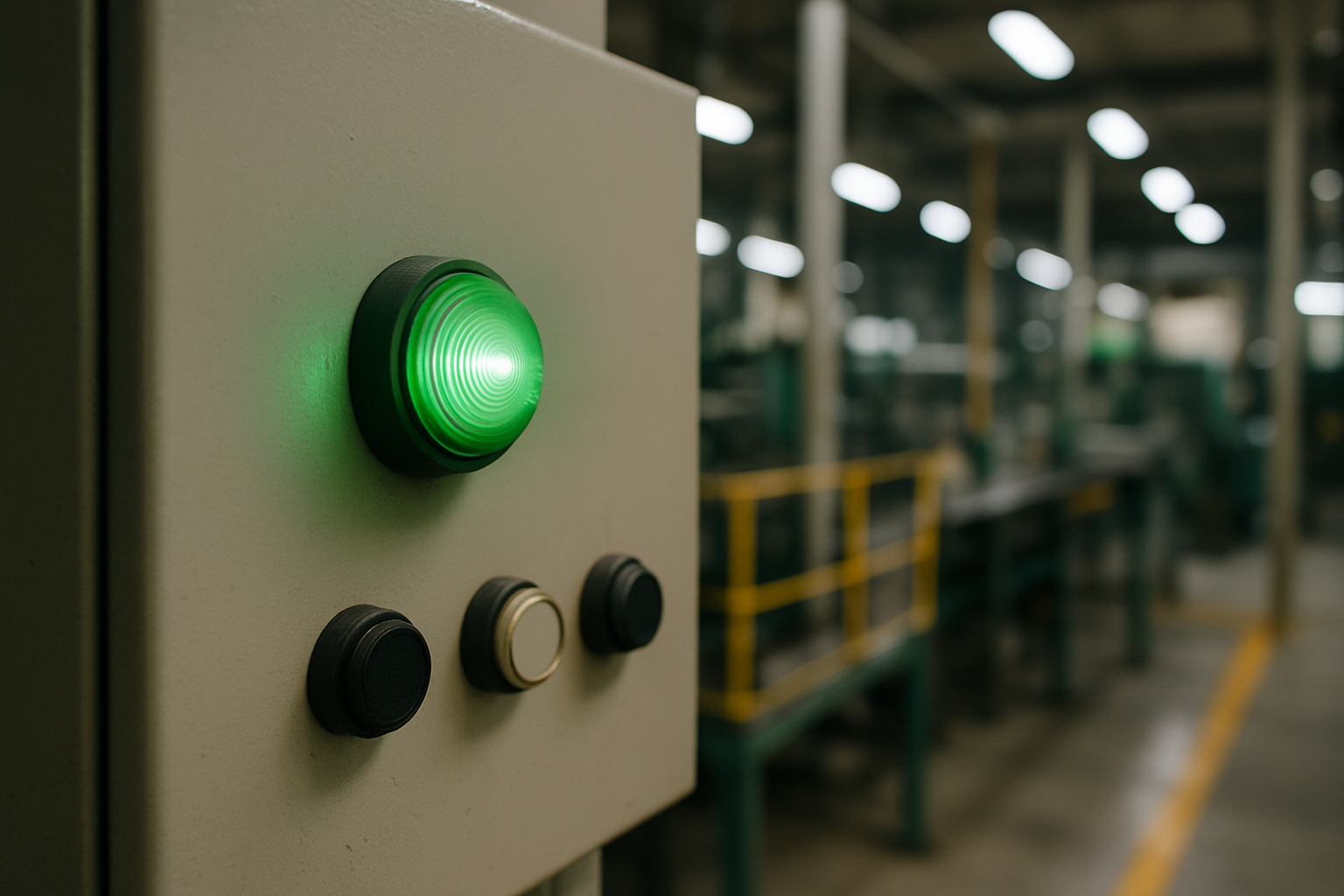
See the operator knows that they don’t have Auto Run Ok, because there is a flashing green light on the operator panel that lets them know that the machine is in the proper position to begin running in Auto Mode. The problem is that the light is not on, and that is exactly what the technician should be trying to solve.
That light will lead me to the cause of my problems. I will open the panel, get the address off the light and trace that out in the program. It will always take you to the problem in the most direct way. In this example maybe a robot is not in a home position, or a clamp is closed that should be open.
The transfer will not advance
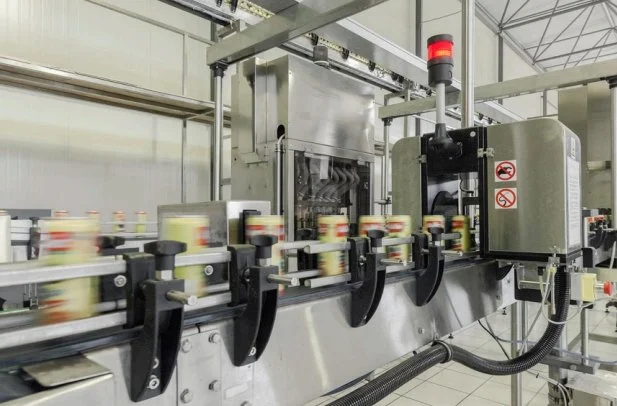
Let us assume you get called to a machine and the operator says that the conveyor needs to advance. Let’s assume there are 15 or 20 conditions that need to be made for that conveyor to advace. In this scenario I am going to go directly to the output that causes that conveyor to advance and see what I am waiting on. Go to the problem and go backwards, broad to narrow, and see what is preventing the conveyor from advancing.
OJT Exercises
During non-production time, a senior technician runs through practice scenarios with the junior technicians. Move one thing off position and see if the junior technician uses the proper technique to arrive at the solution efficiently. Look through your CMMS and see what items are causing most of your downtime and build your exercises around them.
A little competition goes a long way
I have timed the students and turned the exercise into a game. This added an element of fun and allows them to reflect on what they did, and I always ask them what they could do differently to get a better result. Plus, the fact that they are being timed adds an element of pressure mimicking real production conditions. Plus, most technicians will enjoy the challenge.
Need Help?
If you would like to learn more about this or discuss how to get your Maintenance Team moving in the right direction. Call or email me and we can set up a free consultation.